
Sale!
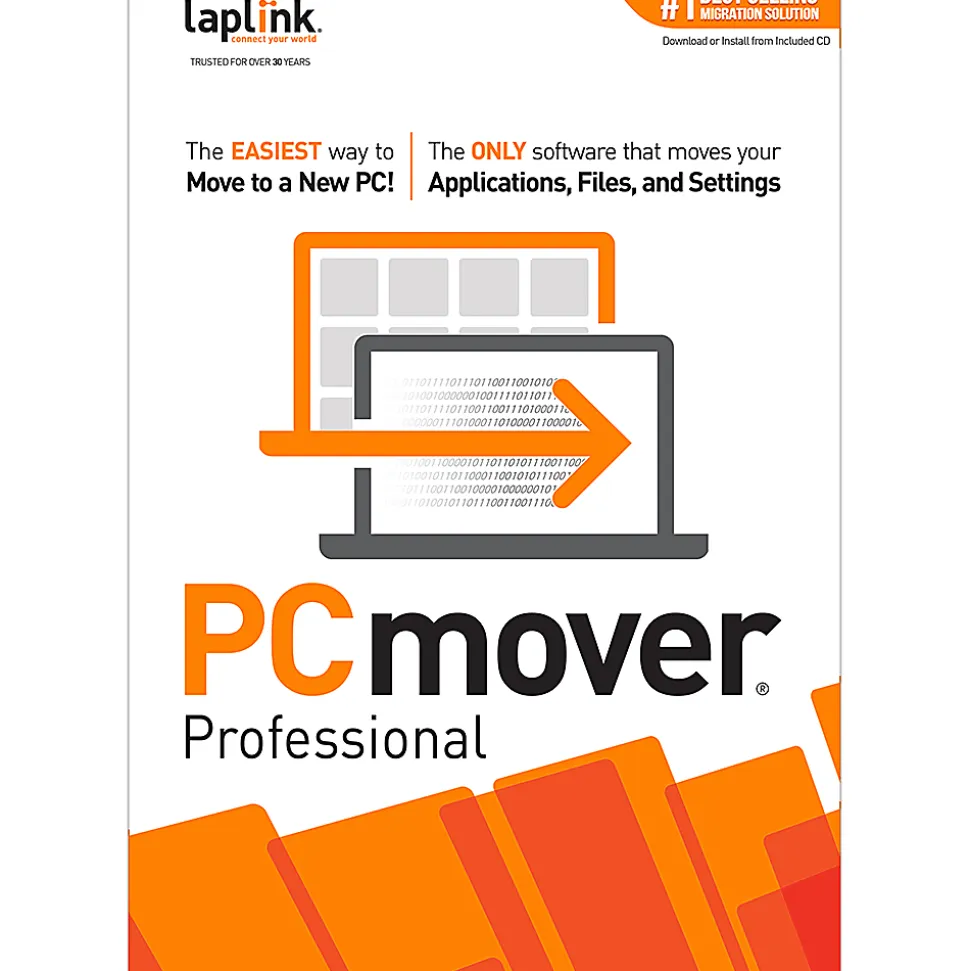
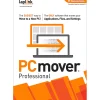
Laplink® PCmover Professional 11, 5-Users
Original price was: $230.00.$120.89Current price is: $120.89.
- Advanced features. PCmover’s advanced features also let you choose which files, settings, and users to take with you when you move the data to your new PC. If your computer has multiple users, PCmover gives you the option to transfer some or all of the users. The security information about file ownership and access control is preserved for each user too.
- An easy way to move to a new PC. To use PCmover, simply install it on your computers, and follow the easy-to-use wizard. When the transfer is complete, your new PC will have the personality and functionality of your old one.
- Optimized for faster transfer. While PCmover completes the transfer as fast as possible, the transfer may take several hours depending on various factors: the size of the hard drive(s), the amount of data, the number and size of files, and the connection speed.
Product Specifications
| Item # | 6858772 |
| Manufacturer # | PAFGPCMPBPRTDML5 |
| number of users | 2-8 |
| operating system compatibility | Windows 8.1 Enterprise; Windows 7 Ultimate; Windows 8.1 Pro 64-bit; Windows 8; Windows 10 Enterprise x64; Windows 10 Education; Windows 10 Education x64; Windows 7 Pro; Windows 7 Ultimate x64; Windows 8 Enterprise x64; Windows 8.1 64-bit; Windows 8.1 Enterprise 64-bit; Windows Vista Business 64-bit; Windows XP; Windows Vista Home Basic; Windows 7 Home 64-bit; Windows Vista Business; Windows 7 Home Premium 64-bit; Windows 10 Home; Windows 7 Home Premium; Windows 10; Windows Vista Ultimate |
| Product Line | Laplink |
| publisher | Laplink Software |
| quantity | 1 |
| brand name | Laplink |
| manufacturer | LAPLINK SOFTWARE INC |
| Total Quantity | 1 Downloads |
| UPC | 886389175863 |
Be the first to review “Laplink® PCmover Professional 11, 5-Users”
Related products
Sale!


Original price was: $289.00.$134.99Current price is: $134.99.
Sale!
Computer Accessories
Original price was: $406.00.$124.89Current price is: $124.89.
Sale!
Computer Accessories
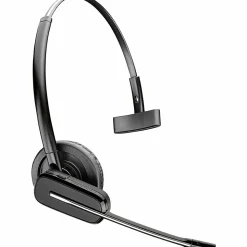
Poly Savi 8245-M Microsoft Teams Certified DECT 1920-1930 MHz USB-A Headset +D200 TAA, 77T36AAABA
Original price was: $449.00.$120.99Current price is: $120.99.

Sale!
Computer Accessories
Original price was: $62.00.$45.99Current price is: $45.99.
Sale!
Computer Accessories
Original price was: $122.00.$85.99Current price is: $85.99.
Sale!
Computer Accessories
Original price was: $19.00.$13.99Current price is: $13.99.
Sale!
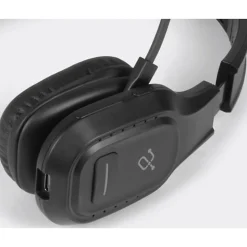

Cell Phone Accessories
Original price was: $86.00.$56.99Current price is: $56.99.
Sale!
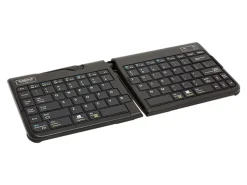
Computer Accessories
Original price was: $139.00.$93.99Current price is: $93.99.
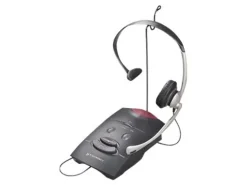
Cell Phone Accessories
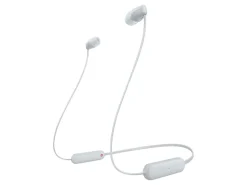
Sony WI-C100 – Earphones with mic – in-ear – neckband – Bluetooth – wireless – white
$29.99

Computer Accessories
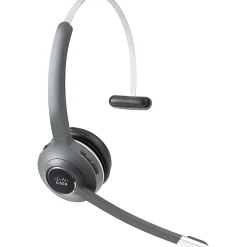
Cisco 561 Headset – Mono – Wireless – Bluetooth – Over-the-head – Monaural – Supra-aural
$130.89
Computer Accessories
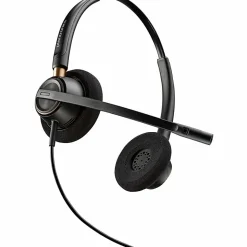
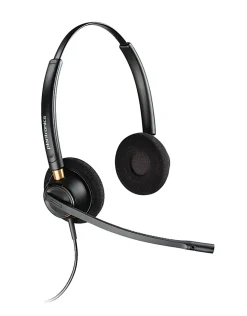
Plantronics® EncorePro Binaural Over-The-Head Headset, HW520, Black, 89434-01
$77.89
Reviews
There are no reviews yet.